
Understand plant health with photos and context.
Plantly offers guided plant health checks that combine photos, symptoms, and saved plant context. Instead of treating one picture as the whole story, you can connect what you see with the plant’s history and ask follow-up questions in a plant-aware AI chat.
In this article
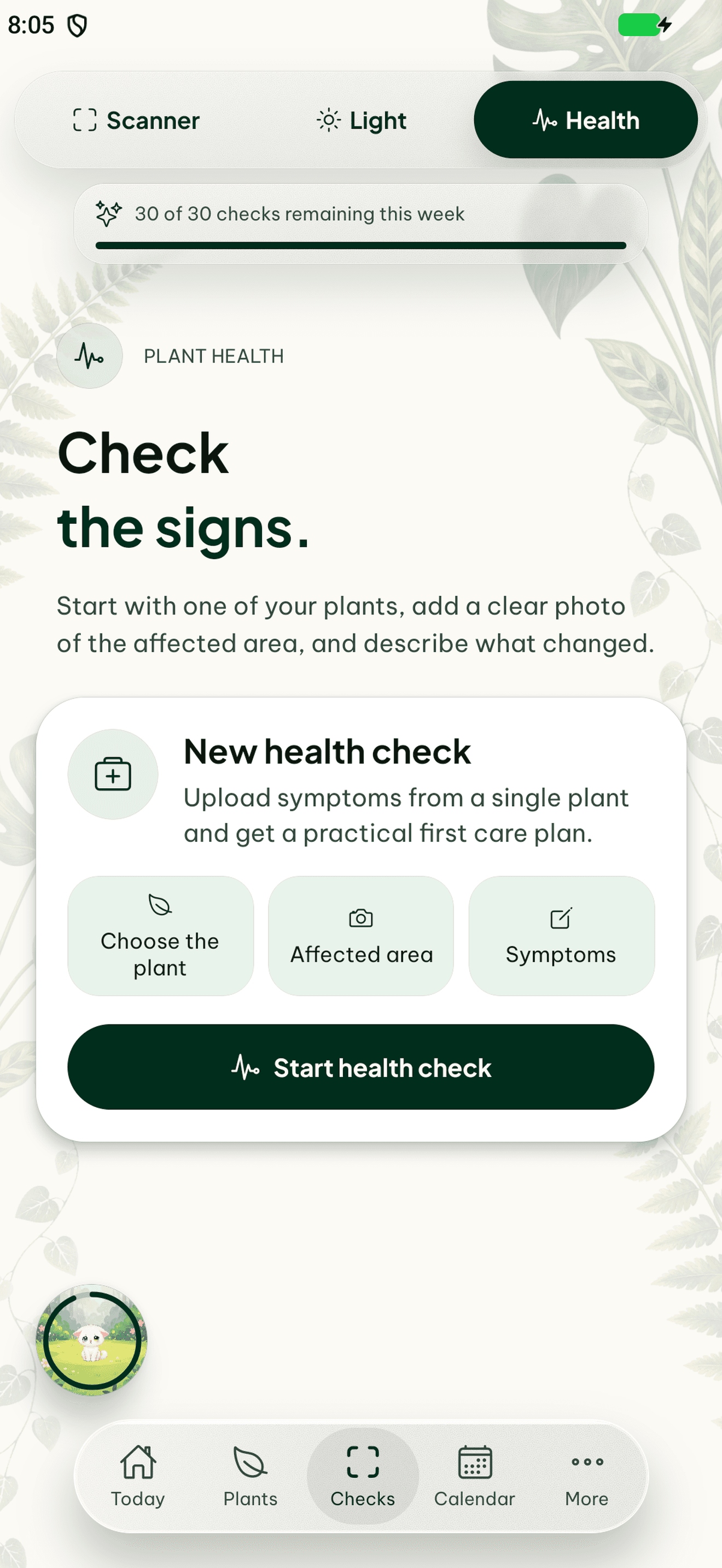

A health check starts with observations
A changing leaf, a damaged stem, or an unusual growth pattern is easier to discuss when you record what changed and when. Plantly guides you through photos and symptoms and can include saved plant information and history. Focused photos of the affected area and a description of recent changes give the check more context than a general picture of the room.
Keep follow-up questions connected to the plant
Plant-aware AI chat keeps relevant plant context at hand when you ask about a health-check result or a care question. You can describe what you have observed and ask for clarification rather than starting from the species name every time. The responses are suggestions and may be incomplete or incorrect; they are not a verified diagnosis or a guarantee that a treatment will work.
Track what changes after a check
Use the plant journal to keep dated photos and notes after a health check. Comparing observations over time is more useful than relying on memory, especially when several household members care for the same plant. Record changes to care and placement alongside the photos so a later check can be considered together with what actually happened.
How to get started
Choose the affected plant
Start from the saved profile or the health-check entry point and photograph the visible problem.
Describe the symptoms
Include what changed, when you noticed it, and relevant recent care or placement changes.
Review and document
Read the suggestions critically, ask follow-up questions, and keep new observations in the journal.
Frequently asked questions
Can Plantly help with a plant that looks unhealthy?
Yes. Guided health checks combine photos, symptoms, and plant context to suggest possible explanations. The result is guidance, not a guaranteed diagnosis.
What should I include in a plant health check?
Use clear photos of the affected parts, describe the visible symptoms and timing, and include relevant care or location changes.
Can I ask a follow-up question about my plant?
Yes. Plantly includes plant-aware AI chat for follow-up questions with relevant plant context.