
From the pot to the right profile.
A QR tag connects a plant in your home with its Plantly profile. Scan the code to find the right record when similar plants or a growing collection make names harder to remember.
In this article
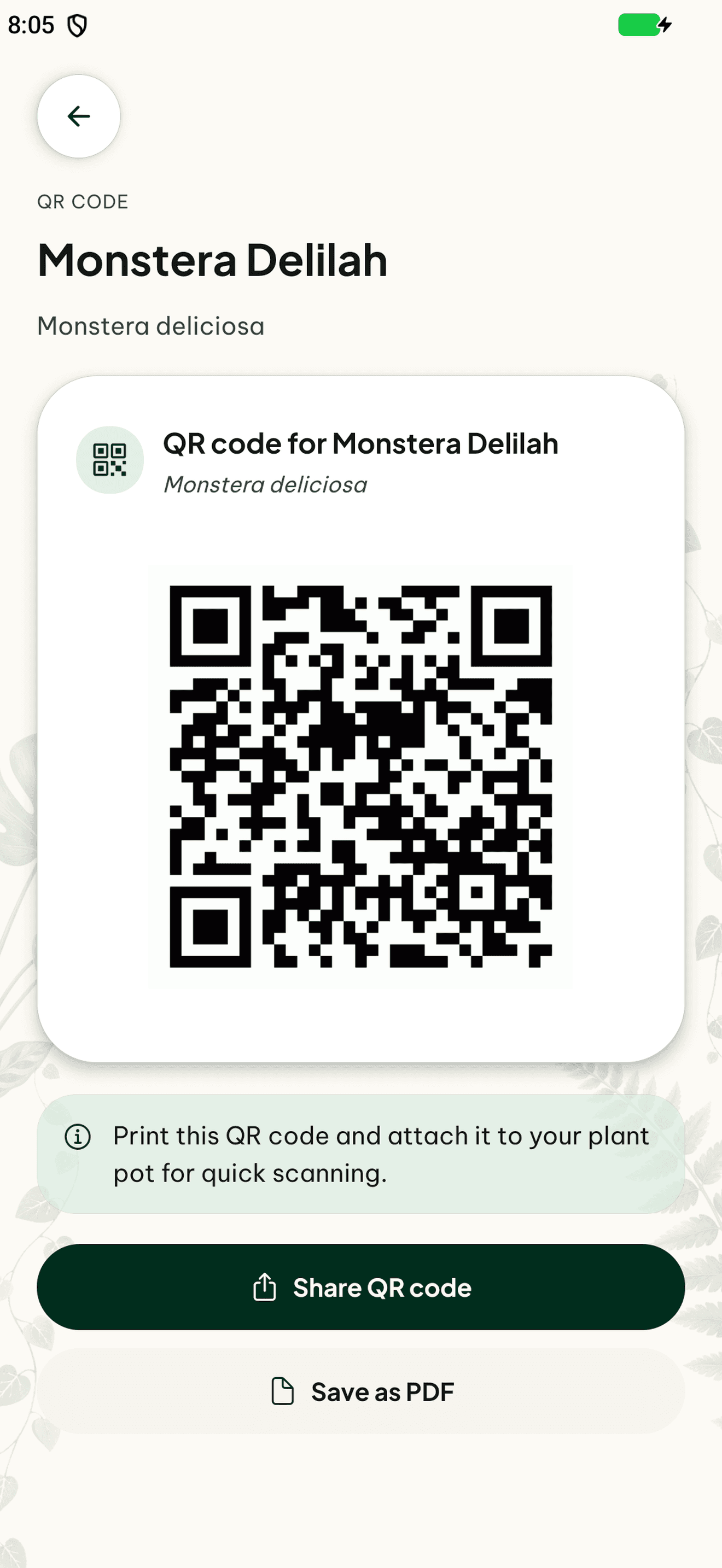

Give the pot a direct link
Use the plant’s QR code as a tag for the physical pot. The code points to the matching Plantly record rather than making you search through the collection. This is especially useful for similar plants with different care histories.
Help the next person find the plant
QR tags can make shared care and sitter handovers easier to follow. The code is a route to the plant, not a grant of access. The person scanning still needs the appropriate Plantly access to see a private collection.
How to get started
Open the plant’s QR code
Find the QR option for the saved plant.
Keep the tag with the pot
Use the code where it is easy to match to the actual plant.
Scan when you need the profile
Open the matching plant before recording care or a note.
Frequently asked questions
Can a QR tag distinguish two plants of the same species?
Yes. The tag belongs to an individual plant profile.
Does sharing the code give someone access to my collection?
No. Access still follows household membership or a permitted sitter handover.