
Every plant has its own little place.
A room name is a start. An exact spot makes a plant easier to find. Plantly connects your collection to rooms, windows, shelves, and the other places your plants call home.
In this article
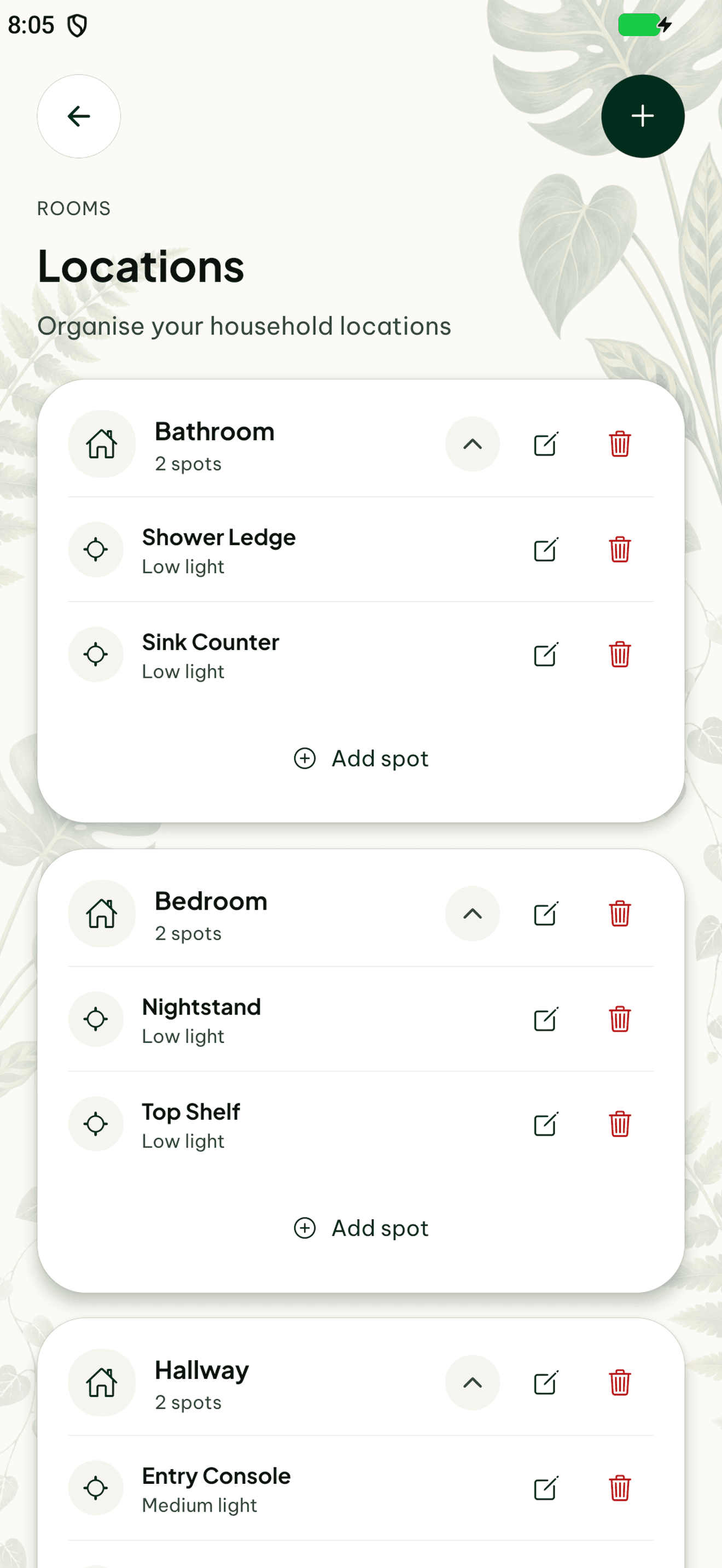

Organize around your home
Keep each plant connected to its room and spot rather than relying only on a species name. Locations help distinguish similar plants and give care, journal entries, and placement discussions a clearer context.
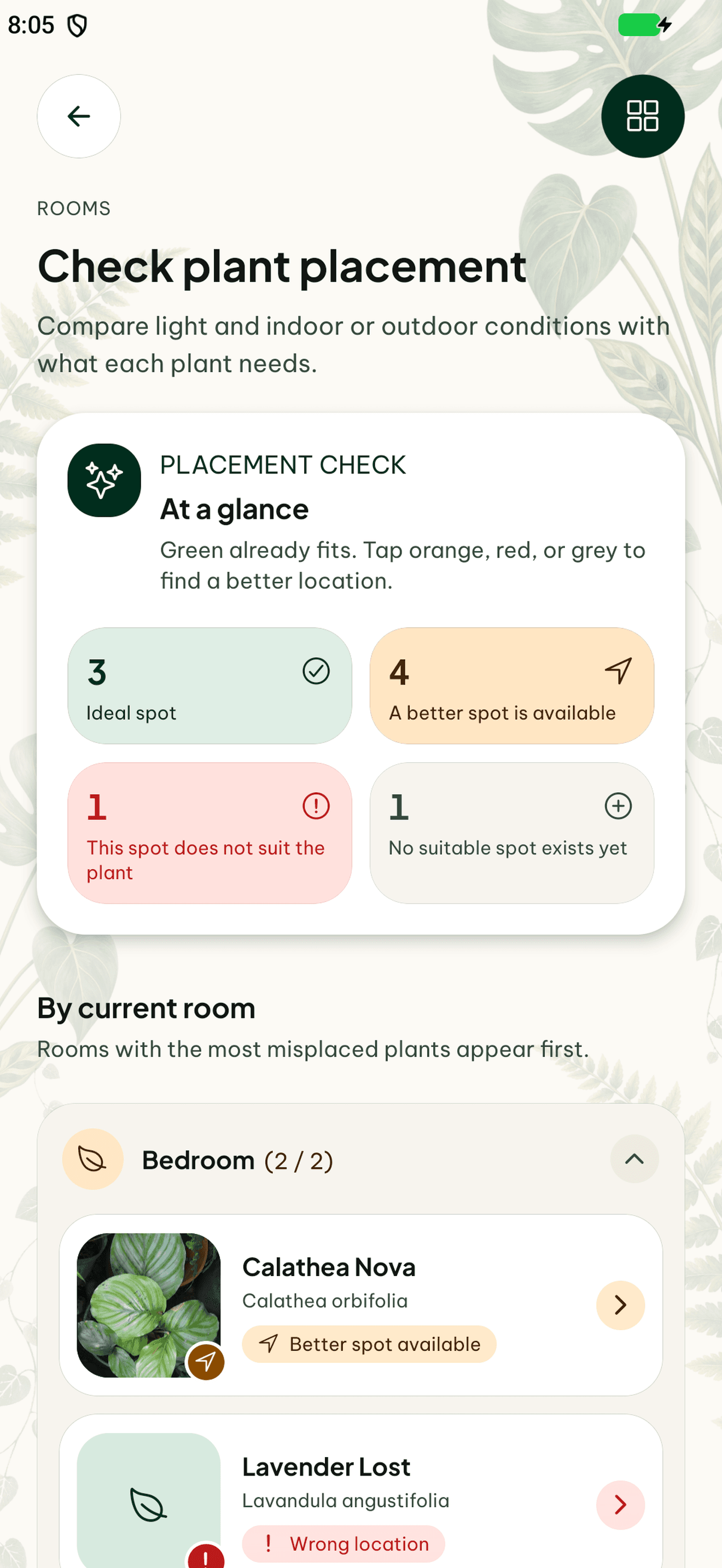
Check whether the spot fits
Compare the light and indoor or outdoor conditions of your rooms with each plant’s needs. The placement check highlights suitable spots and plants that could benefit from a move.
Keep moves in the story
When a plant changes location, update its profile and add a journal note if you want to remember the move. Later photos and care observations can then be considered alongside that change. Current locations also help household members and sitters find the right pot.
How to get started
Set up a location
Choose the room and the spot where the plant lives.
Assign the plant
Keep the location with the individual profile.
Update it after a move
Record the new place and any observation you want to keep.
Frequently asked questions
Can plants in the same room have different spots?
Yes. An exact spot distinguishes a window position from a shelf or another corner.
Why keep locations current for shared care?
They help another person find the actual plant and connect a task to the right profile.