
Get back into plant care after a break.
After a holiday, a busy season, or a few weeks of neglect, it is hard to know where to start. The plant restart in Plantly takes you through your active plants one at a time: is it still alive, has it moved, what care is actually due today, and do you want to keep an eye on it for two weeks? You can stop at any time and continue later, and everyone in your household can pick the tour up where it was left.
In this article
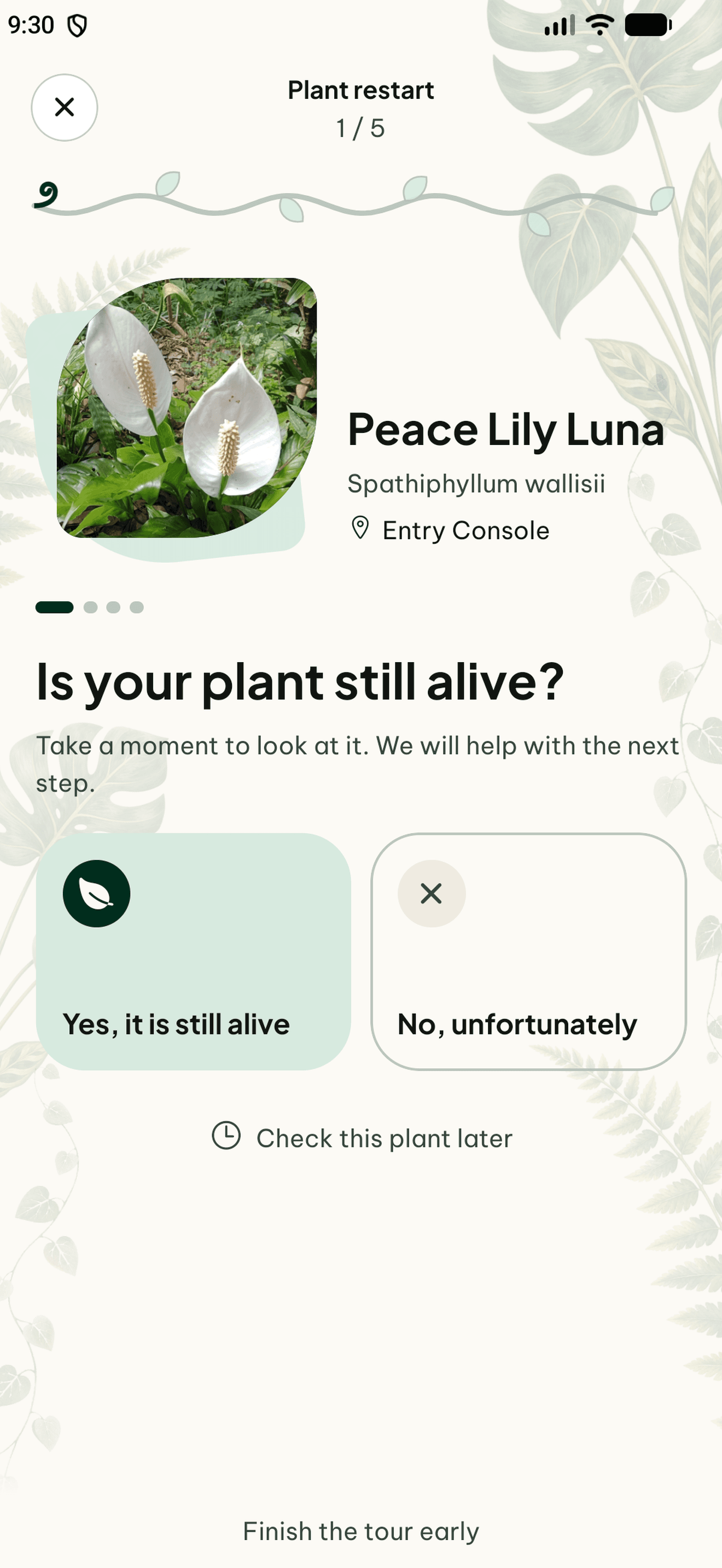

A calm look at each plant
The restart begins with one question: is the plant still alive? If it did not make it, you can mark it as dead. The plant and its journal stay in your collection and its care reminders stop. Otherwise Plantly asks whether the plant is still in the same spot or has moved, and lets you choose the new room or spot with the same selection you use when you edit a plant.
Care that is actually due
For each plant, Plantly lists the care that is due today or overdue, including your custom care schedules. Mark what you really did, tell Plantly that a task is not needed yet, or move it to tomorrow. The guidance stays cautious: check the soil before watering and avoid feeding a weakened plant. Nothing is recorded as done unless you say so, and your regular care intervals stay unchanged.
Photo, follow-up, and a summary
A photo is optional and goes straight into the plant’s journal. For plants you want to watch, you can switch on a 14-day follow-up with short condition checks on days 2, 5, 9, and 14: better, unchanged, or worse. At the end you see which plants are still alive, which are dead, and which you skipped, and you can add plants that arrived in the meantime.
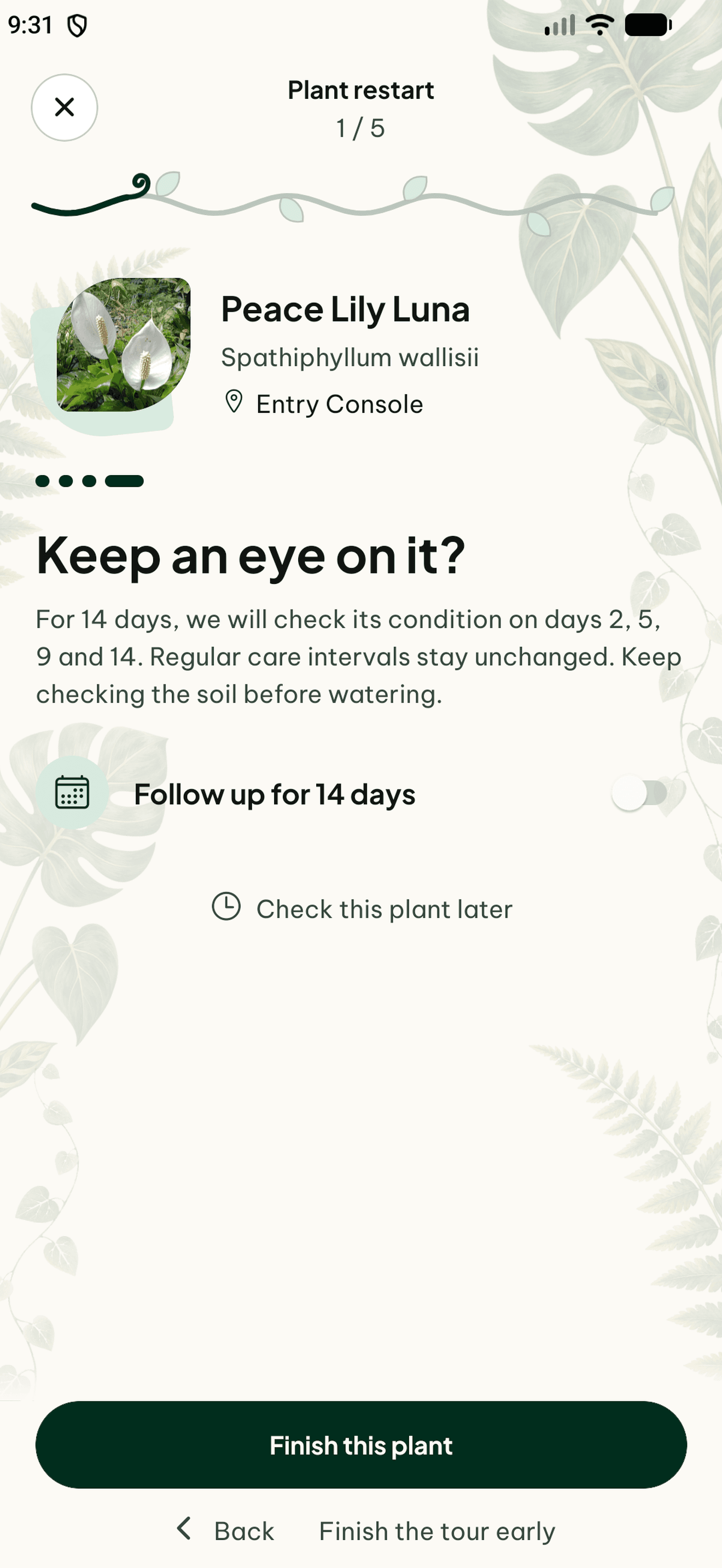
How to get started
Start the restart
Open the plant restart from the Plants tab or the Today screen. Plantly can also suggest it when many plants seem to have gone without care for a while.
Go through your plants
Answer whether each plant is alive and where it stands, record the care you do, and add a photo if you like. Postpone a plant or step back whenever you need to.
Finish and add new plants
Review the summary, add plants that are new, and decide which plants you want to follow up on.
Frequently asked questions
Does the plant restart change my care schedule?
No. Your regular care intervals stay as they are. Care you record during the restart is saved like any other completed care, and tasks you postpone come back as usual.
What happens to a plant I mark as dead?
The plant and its journal are kept in your collection. Its care reminders stop.
Can my household do it together?
Yes. Any member of the household can continue the same tour, and the saved progress is shared. Plant sitters do not see the restart.
Do I need an internet connection?
Yes. The restart saves each step as you go, so it needs a connection. If you leave, your progress stays saved.