
Know what is coming up for your plants.
The Plantly calendar puts upcoming care in one place. See what needs attention today, look ahead, and open the plant connected to a task when you need more context.
In this article
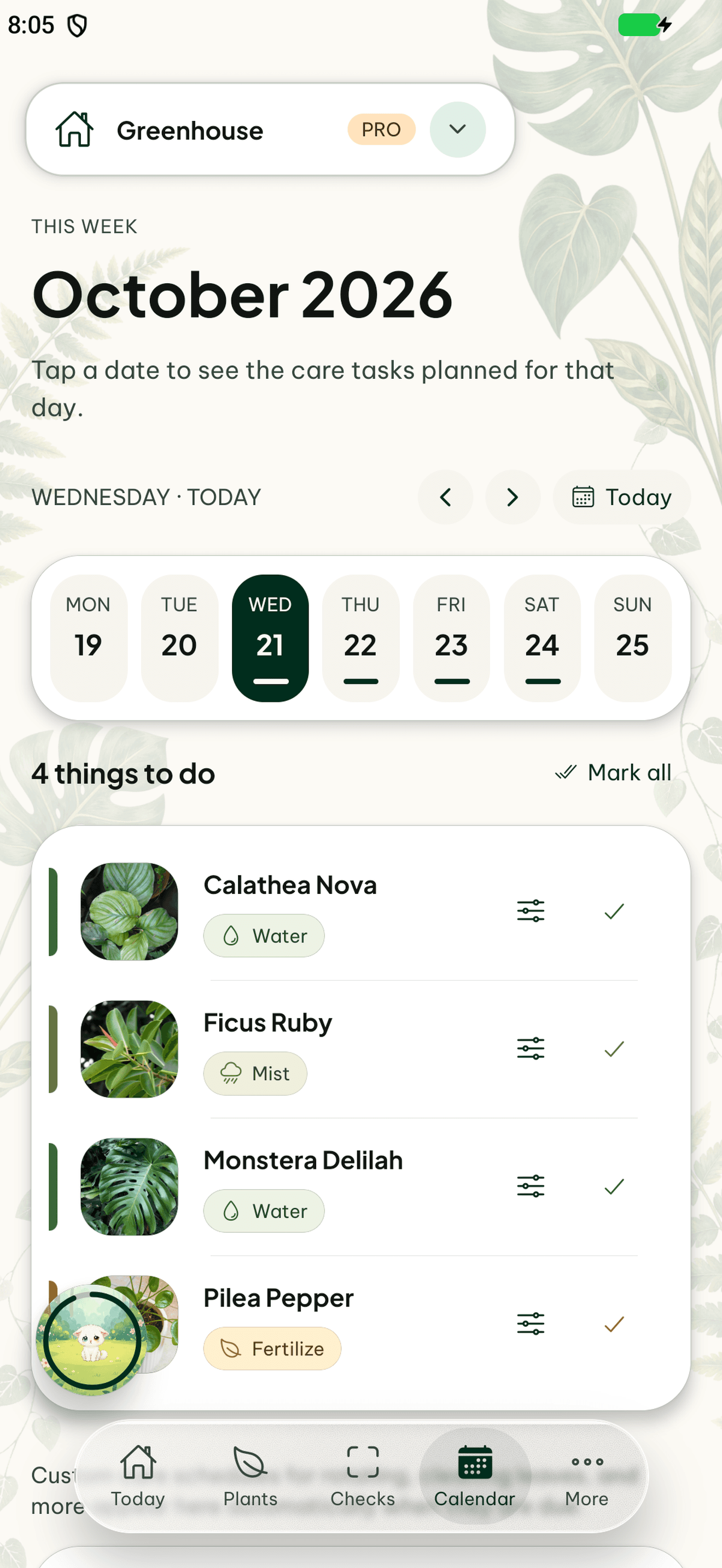

From a date to the right plant
A calendar task is more useful when it leads back to the plant it belongs to. Review its profile, location, and recent care before acting. This makes the calendar useful for a single plant and for a household sharing a larger collection.
Keep the plan and the history together
Recording care keeps the schedule connected to what happened. When a task is too early or not needed, care feedback records that difference. Notifications can remind you to check the calendar; the overview remains the place to review the tasks together.
How to get started
Open the calendar
Look at today’s tasks or the coming dates.
Review the plant
Check its profile and current condition.
Record care or feedback
Keep the calendar connected to what actually happened.
Frequently asked questions
Is the calendar only for watering?
No. It includes watering, fertilizing, misting, pruning, and repotting.
Is a due date proof that a plant needs care?
No. A date helps organize the routine. Check the plant before carrying out the task.