
Ask about the plant in front of you.
With Plantly’s plant-aware AI chat, a care question can stay connected to the relevant plant. Discuss observations, ask follow-up questions, and refer to the information already saved with its profile.
In this article
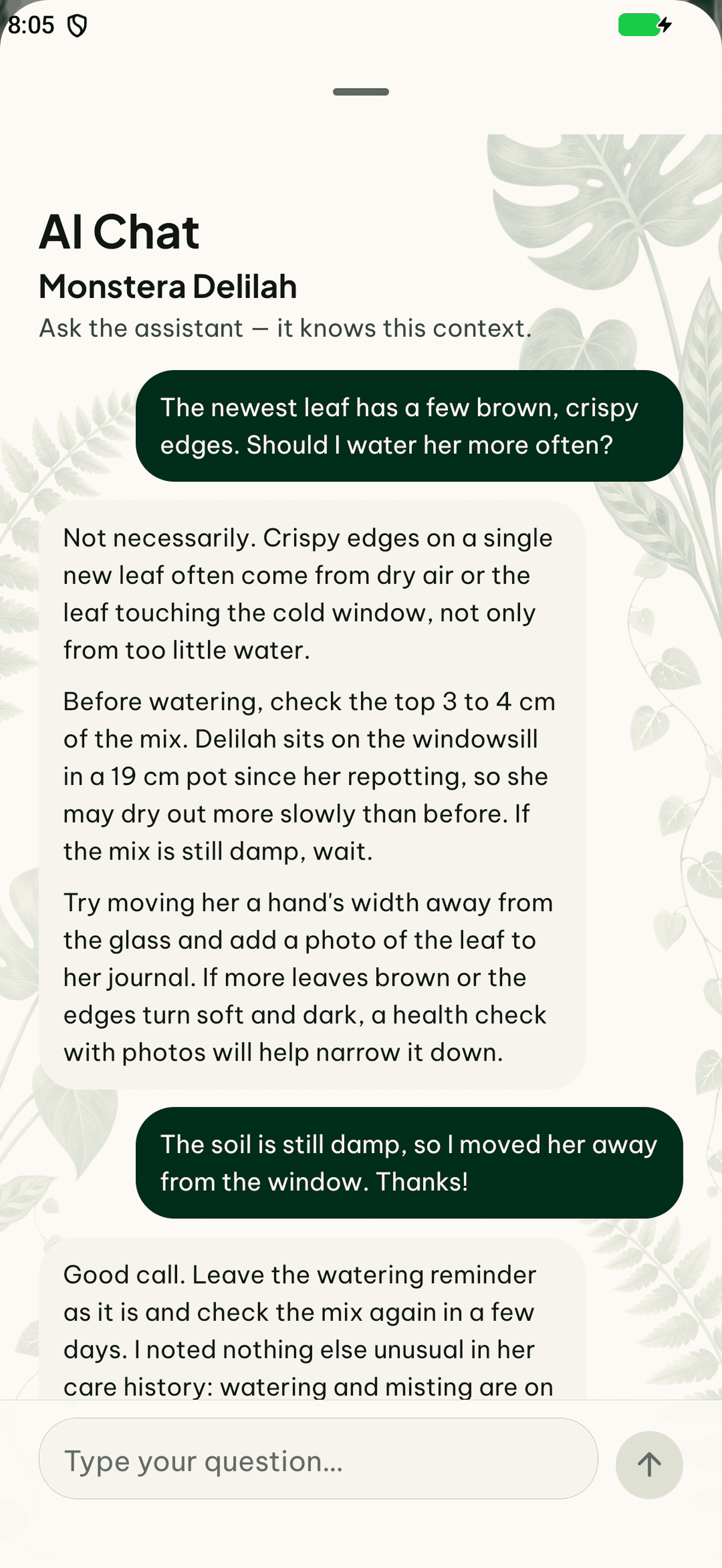

Give the question some context
Describe what you have noticed and what recently changed. Saved plant information and relevant history help keep the conversation about the right plant. A specific question is easier to follow than a general request for advice about every plant in a room.
Keep observations after the conversation
A chat answer is a suggestion and can be incomplete or incorrect. Keep useful observations and later changes in the plant journal. That gives you a record of what you actually saw, alongside the discussion about possible next steps.
How to get started
Choose the plant
Start with the plant you want to discuss.
Describe your observation
Mention visible changes and relevant recent care.
Ask a follow-up
Clarify the suggestion and record later observations with the plant.
Frequently asked questions
Can I ask about a health-check result?
Yes. Plant-aware chat supports follow-up questions with relevant plant context.
Are the answers a verified diagnosis?
No. AI answers are suggestions and may be wrong. Review them alongside your own observations.